

ProductPRODUCT
Featured products
Contact Us
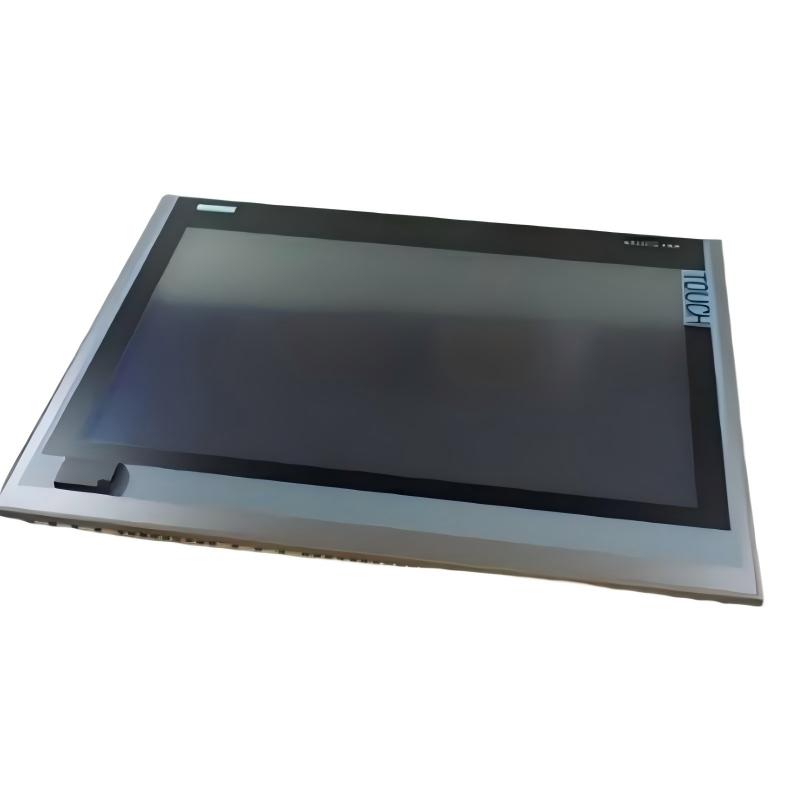
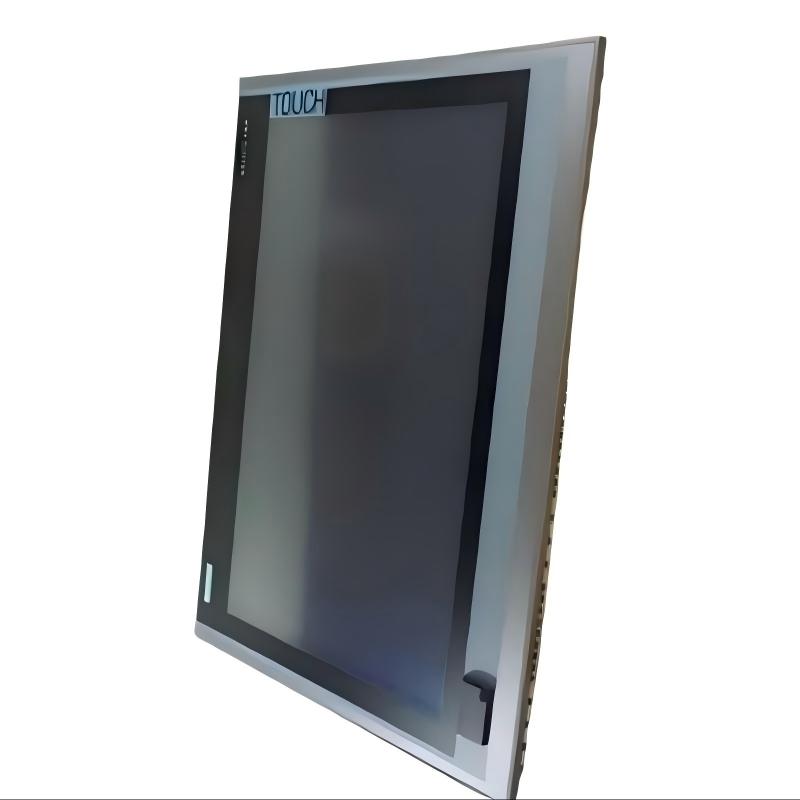
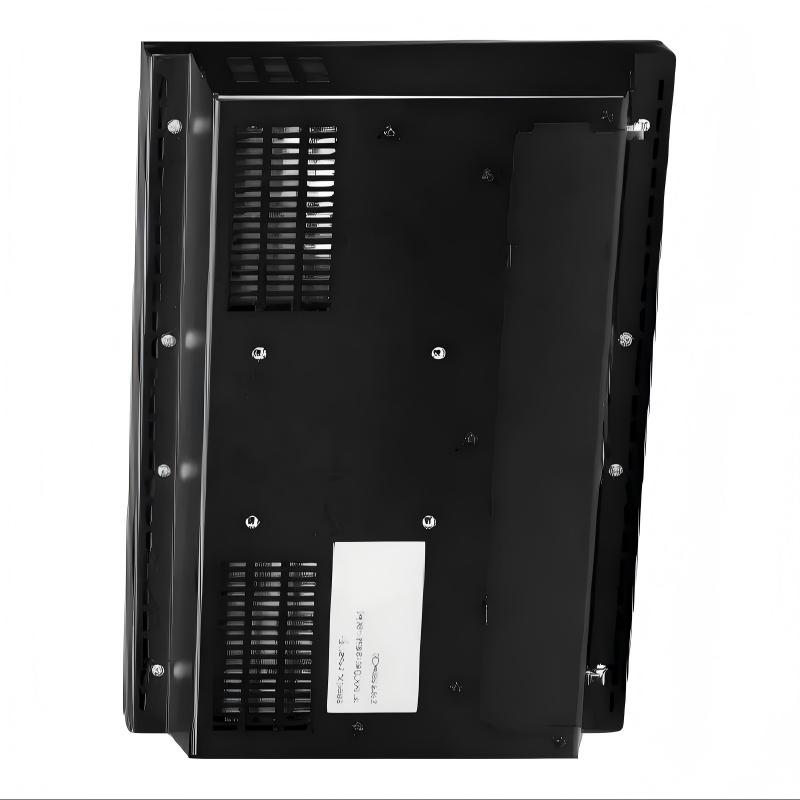
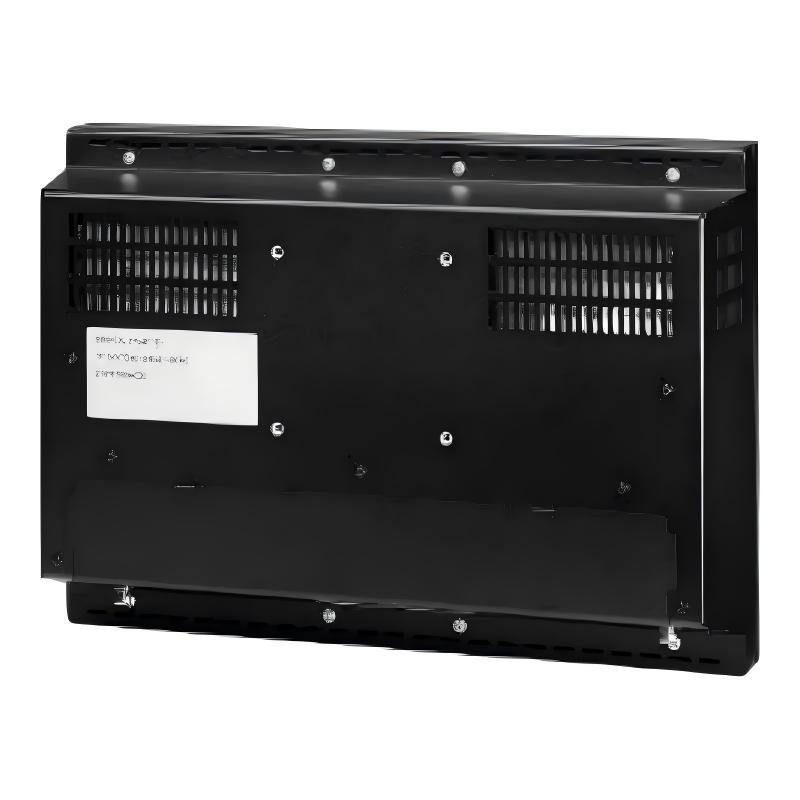
- Siemens
- 6AG1124-0UC02-4AX1
- Touchscreen Panel
- Germany
- 19 inch
- 6.726 kg
- Xiamen, China
- New & In Stock
- T/T, PayPal, Western Union
- 1 Year
- 1-3 Working Days
- DHL, UPS, TNT, FedEx and EMS.
- 24-Hour Service
- COO
- 43
Our advantage

Global Logistics
We have a 10-year logistics and express cooperation agreement, so our products can be shipped to any place in the world.

Brand new and original
Our products are imported in bulk from the place of origin. Because of the cooperative relationship, our products are all original and 100% new.

24-hour service
We provide 7*24 hours service to our customers. We will be there whenever you need us.

Price advantage
All our products are priced very favorably because we have our own warehouse and supply.
| Company Information | |||
| [email protected] | |||
| Mobile | +8615980777398 | ||
| +8615980777398 | |||
| 15980777398 |
Product Overview
In modern industrial automation systems, touchscreen panels provide an important human-machine interface (HMI) between operators and control equipment. They allow users to monitor production processes, view alarms, adjust operating parameters, and interact with PLC-based automation systems through an intuitive graphical interface.
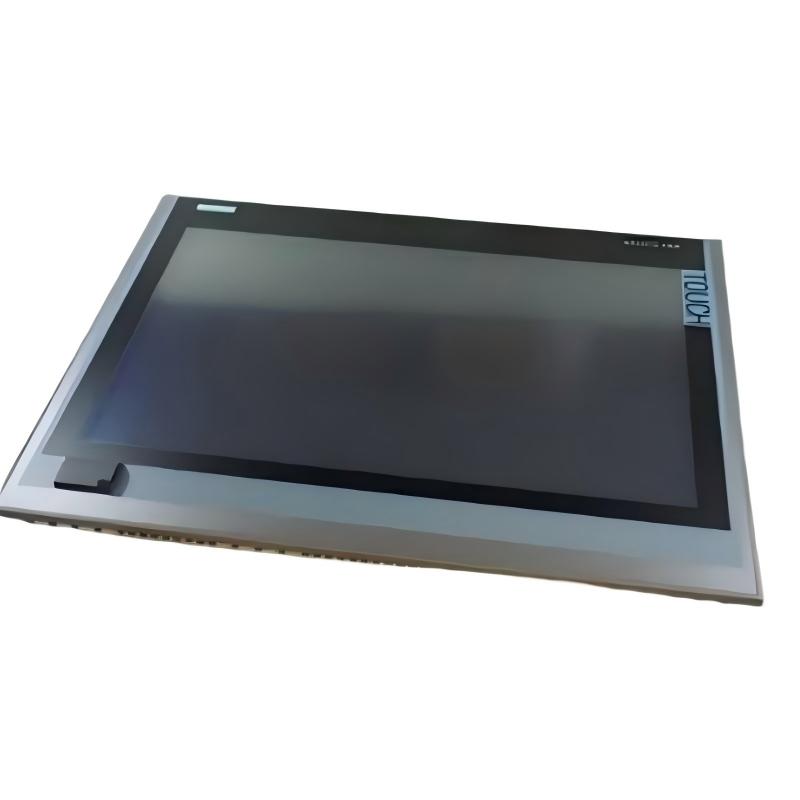
The Siemens 6AG1124-0UC02-4AX1 Touchscreen Panel is an industrial operator display designed for automation and control applications. Featuring a 19-inch display size and a weight of 6.726 kg, the panel provides a large visual workspace for process monitoring, machine operation, and industrial HMI applications.
Its touchscreen interface allows operators to interact directly with graphical control screens, making it suitable for manufacturing lines, machine control stations, process monitoring systems, and industrial control cabinets.
Technical Specifications
| Parameter | Details |
|---|---|
| Manufacturer | Siemens |
| Model | 6AG1124-0UC02-4AX1 |
| Product Type | Touchscreen Panel |
| Display Type | Industrial Touchscreen Display |
| Display Size | 19 inch |
| Application | Industrial HMI / Operator Interface |
| Function | Machine and Process Monitoring |
| Weight | 6.726 kg |
Function and Working Principle
The Siemens 6AG1124-0UC02-4AX1 Touchscreen Panel provides a visual and interactive interface between the operator and an industrial automation system.
The typical operating process is:
PLC / Controller → Communication Network → HMI Data → Touchscreen Display → Operator Command → Controller
Main functions include:
- Displays machine operating conditions.
- Presents process values and production information.
- Shows alarms and diagnostic messages.
- Allows operators to enter commands and parameters.
- Provides graphical visualization of automation processes.
- Supports centralized operator interaction with industrial equipment.
The touchscreen panel converts complex controller information into an easy-to-understand graphical interface, improving operator efficiency and system visibility.
Role in Industrial Automation Systems
The 6AG1124-0UC02-4AX1 can serve as an important HMI component in industrial control architectures.
Typical functions include:
- Machine status visualization
- Process monitoring
- Alarm management
- Parameter adjustment
- Operator command input
- Production data visualization
- Diagnostic information display
The 19-inch screen provides a relatively large operating area, making it particularly suitable for applications where operators need to monitor multiple process values or graphical elements simultaneously.
Main Features
19-Inch Large Display
The 19-inch display size provides a spacious interface for industrial applications.
Advantages include:
- Clear visualization of process information
- More room for graphical controls
- Easier monitoring of multiple parameters
- Improved operator visibility
A larger display can be especially useful for production lines where several machine states, alarms, trends, and control elements need to be shown on a single screen.
Touchscreen Operator Interface
The touchscreen provides direct interaction with graphical HMI applications.
Operators can typically:
- Select functions
- Enter numerical values
- Navigate between screens
- Acknowledge alarms
- Monitor equipment status
- Adjust authorized operating parameters
This reduces the need for multiple physical switches and provides a flexible interface for modern automation systems.
Industrial HMI Application
The panel is suitable for environments where reliable operator interaction is required.
Typical applications include:
- Production monitoring
- Machine operation
- Process visualization
- Equipment diagnostics
- Manufacturing control
Compact Integration
Although equipped with a 19-inch display, the panel maintains a practical structure for industrial control installations.
With a weight of 6.726 kg, proper panel mounting and mechanical support should be considered during installation.
Industrial Applications
Manufacturing Production Lines
The Siemens touchscreen panel can be used as an operator station for automated manufacturing equipment.
Applications include:
- Production line monitoring
- Machine status visualization
- Production parameter adjustment
- Alarm monitoring
Machine Control
Industrial machinery often requires a centralized interface for operators.
The touchscreen can be used to display:
- Machine operating status
- Start and stop controls
- Production settings
- Maintenance information
- Diagnostic messages
Process Automation
A large-screen HMI is useful for process applications involving numerous operating variables.
Potential applications include:
- Process monitoring
- Temperature and pressure visualization
- Flow monitoring
- Equipment status
- Trend displays
Industrial Control Cabinets
The panel can be integrated into industrial operator stations and control cabinets.
It can serve as the visual interface between:
- PLC systems
- Drives
- Sensors
- Remote I/O
- Industrial networks
- Operators
Installation Guide
Step 1: Confirm System Compatibility
Before installation, verify:
- Siemens HMI system compatibility
- Correct model number
- Communication interface requirements
- Available installation space
- Control system configuration
The panel should be matched with the appropriate automation architecture before commissioning.
Step 2: Prepare the Installation Location
Check that the control cabinet or operator panel has sufficient space for the 19-inch unit.
Consider:
- Panel cutout dimensions
- Mounting clearance
- Cable routing
- Ventilation
- Operator viewing angle
Adequate clearance should be maintained around the panel to facilitate maintenance.
Step 3: Mount the Touchscreen Panel
Carefully position the panel in the prepared installation opening.
Then:
- Secure the panel using the appropriate mounting hardware.
- Confirm that the panel is firmly supported.
- Check that the display surface is correctly aligned.
- Ensure that excessive mechanical stress is not applied to the housing.
Step 4: Connect Power and Communication
Connect the required electrical and communication interfaces according to the system configuration.
Check:
- Power wiring
- Communication cables
- Grounding
- Connector seating
All connections should be inspected before energizing the system.
Step 5: Configure the HMI
After power-up:
- Verify the display starts correctly.
- Load or verify the required HMI application.
- Check communication with the PLC.
- Confirm screen navigation.
- Verify process values.
Step 6: Perform Commissioning Tests
Test the main HMI functions:
- Operator input
- Alarm display
- Process visualization
- Communication
- Parameter entry
- Machine control commands
Only after successful testing should the HMI be placed into normal production service.
Common Failure Symptoms
| Fault Symptom | Possible Cause |
| Screen does not start | Power supply or connection problem |
| Touch function unavailable | Touch interface or hardware issue |
| No PLC data displayed | Communication problem |
| Incorrect process values | HMI configuration or communication issue |
| Screen flickering | Power or display hardware problem |
| Slow interface response | Application or communication load |
| Alarm information missing | HMI configuration issue |
Troubleshooting Guide
Check Power Supply
If the touchscreen does not start:
- Check the incoming power connection.
- Verify wiring and connectors.
- Check grounding.
- Confirm that the control cabinet power system is operating normally.
Do not continue operation if the power supply is unstable.
Check Communication
If the HMI starts but does not display controller information:
- Check communication cables.
- Verify network connections.
- Check PLC communication status.
- Verify HMI communication settings.
- Check for controller or network alarms.
Communication faults are often caused by incorrect configuration, damaged cables, or disconnected interfaces.
Check Touchscreen Operation
If the display works but touchscreen input is abnormal:
- Check whether the touch interface responds in other areas.
- Inspect the screen for physical damage.
- Check for contamination on the display surface.
- Verify the HMI configuration.
If the problem remains after configuration and connection checks, hardware inspection may be necessary.
Check Display Quality
For problems such as flickering, abnormal brightness, or missing display information:
- Check power stability.
- Inspect display connections.
- Check environmental conditions.
- Inspect the panel for physical damage.
Persistent display problems may require replacement of the panel.
Maintenance Recommendations
Proper maintenance helps extend the service life of the Siemens 6AG1124-0UC02-4AX1 Touchscreen Panel.
Recommended practices include:
- Clean the touchscreen regularly with appropriate materials.
- Keep the control cabinet free from excessive dust.
- Maintain suitable operating temperature conditions.
- Inspect communication cables periodically.
- Check mounting hardware for looseness.
- Monitor recurring HMI alarms.
- Maintain backup copies of HMI configuration files.
Avoid using excessive force on the touchscreen during operation.
Compatible Automation Components
| Component | Function |
| Siemens PLC | Main automation control |
| HMI Panel | Operator interface |
| Industrial Ethernet | Controller communication |
| Remote I/O | Field signal acquisition |
| Variable Speed Drive | Motor speed control |
| Sensors | Process data acquisition |
| Industrial Switch | Network communication |
Key Advantages
- 19-inch industrial display
- Large visual operating area
- Touchscreen operator interface
- Suitable for industrial HMI applications
- Supports machine and process visualization
- Suitable for integration into automation control systems
- 6.726 kg industrial panel design
Technical FAQs
What is Siemens 6AG1124-0UC02-4AX1?
The Siemens 6AG1124-0UC02-4AX1 is a touchscreen panel designed for industrial automation and operator interface applications.
What is the display size?
The panel features a 19-inch display.
What is the weight?
The stated weight is 6.726 kg.
What is the main function of the touchscreen panel?
Its primary role is to provide operators with a graphical interface for monitoring processes, viewing alarms, entering parameters, and interacting with industrial control systems.
Where can this type of panel be used?
Typical applications include manufacturing lines, machine control systems, process automation, industrial control cabinets, and operator stations.
Why use a 19-inch industrial HMI?
A 19-inch display provides more screen space for process graphics, multiple operating parameters, alarm information, trends, and machine controls.
Conclusion
The Siemens 6AG1124-0UC02-4AX1 Touchscreen Panel is a large-format industrial HMI component designed to provide clear visualization and convenient operator interaction in automation systems.
With its 19-inch display and 6.726 kg weight, it is suitable for applications requiring a larger operator interface for machine monitoring, process visualization, alarm management, and industrial equipment control.
For automation engineers, maintenance technicians, machine builders, and system integrators, the 6AG1124-0UC02-4AX1 can serve as an important HMI component for improving operator visibility and interaction within industrial automation environments.